

Capture before and after the chart is ready
Install the Doczilla Node SDK withnpm install @doczilla/node. Set DOCZILLA_API_KEY in your environment and run node capture-dashboard.mjs alongside dashboard.html. This runs two renders so you can compare the results.
capture-dashboard.mjs
HTML
Save the HTML below asdashboard.html. A timer simulates a data request. The chart is inserted before the page sets data-chart-ready.
Dashboard HTML
Dashboard HTML
dashboard.html
Output
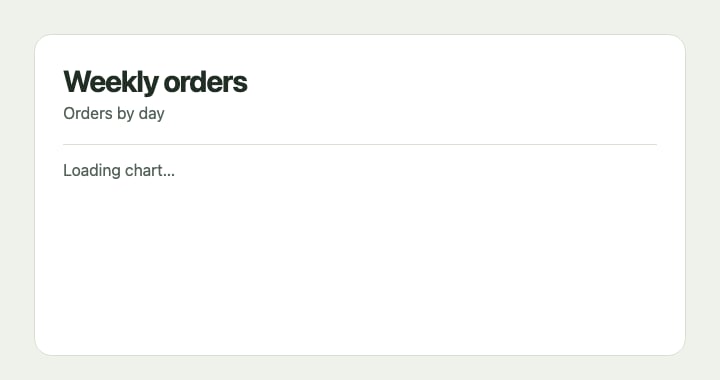
Without a readiness check
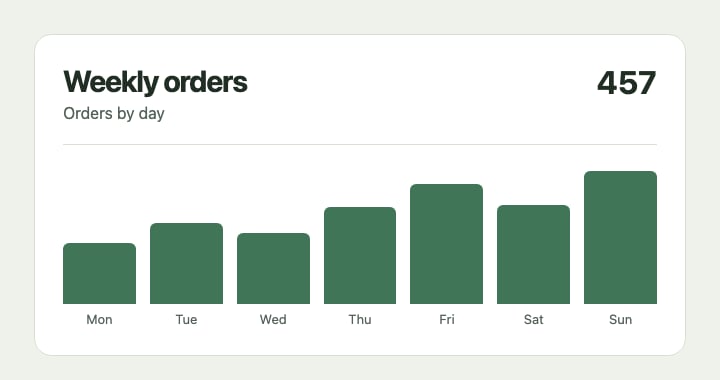
After the chart reports that it is ready
page.waitForFunction. Doczilla can continue rendering after either wait times out, so a successful HTTP response can still contain a loading state. See Page options.