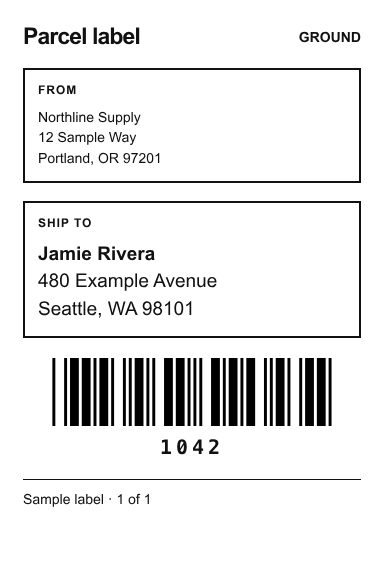
@page to set the physical paper size and pdf.preferCSSPageSize to ask Chrome to use it. This example makes a 4 × 6 inch label with a sample Code 39 barcode for order 1042. For real shipments, use your carrier’s barcode and label specifications.
Render and print
Install the Doczilla Node SDK withnpm install @doczilla/node. Set DOCZILLA_API_KEY and run node render-label.mjs alongside the HTML file.
render-label.mjs
HTML
Save the HTML below aslabel.html. The barcode is inline SVG so the HTML can render without network requests. Print the resulting PDF at Actual size or 100% on 4 × 6 inch stock.
Shipping label HTML
Shipping label HTML
label.html
Output